Pitching contributed articles
How the Scout finds sites that publish articles written by companies, and how GEOforge pitches a contributed article to them one site at a time.
Some of the sites AI engines cite most will publish an article written by a company: an industry publication with a contributor programme, a trade journal, an open platform. Getting your expertise onto one of those sites puts it in front of the engines you are trying to appear in.
GEOforge handles this in three steps. The Scout finds the sites that take outside articles. Pitch topics are articles written for those sites. The pitching step offers each approved article to one site at a time.
Pitching is available on the Dominate and Enterprise plans. On other plans, the screens below tell you so.
The Scout
The Scout looks at the sites AI engines cite for your prompts, starting with the sites where your competitors appear and you don't. For each one, it checks whether the site publishes articles written by companies, and how: through a contributor programme, as an open platform, or as paid placement.
It checks up to 25 sites a week for your brand, a few each day. An answer is kept for about six months before the site is checked again.
Top pitch targets
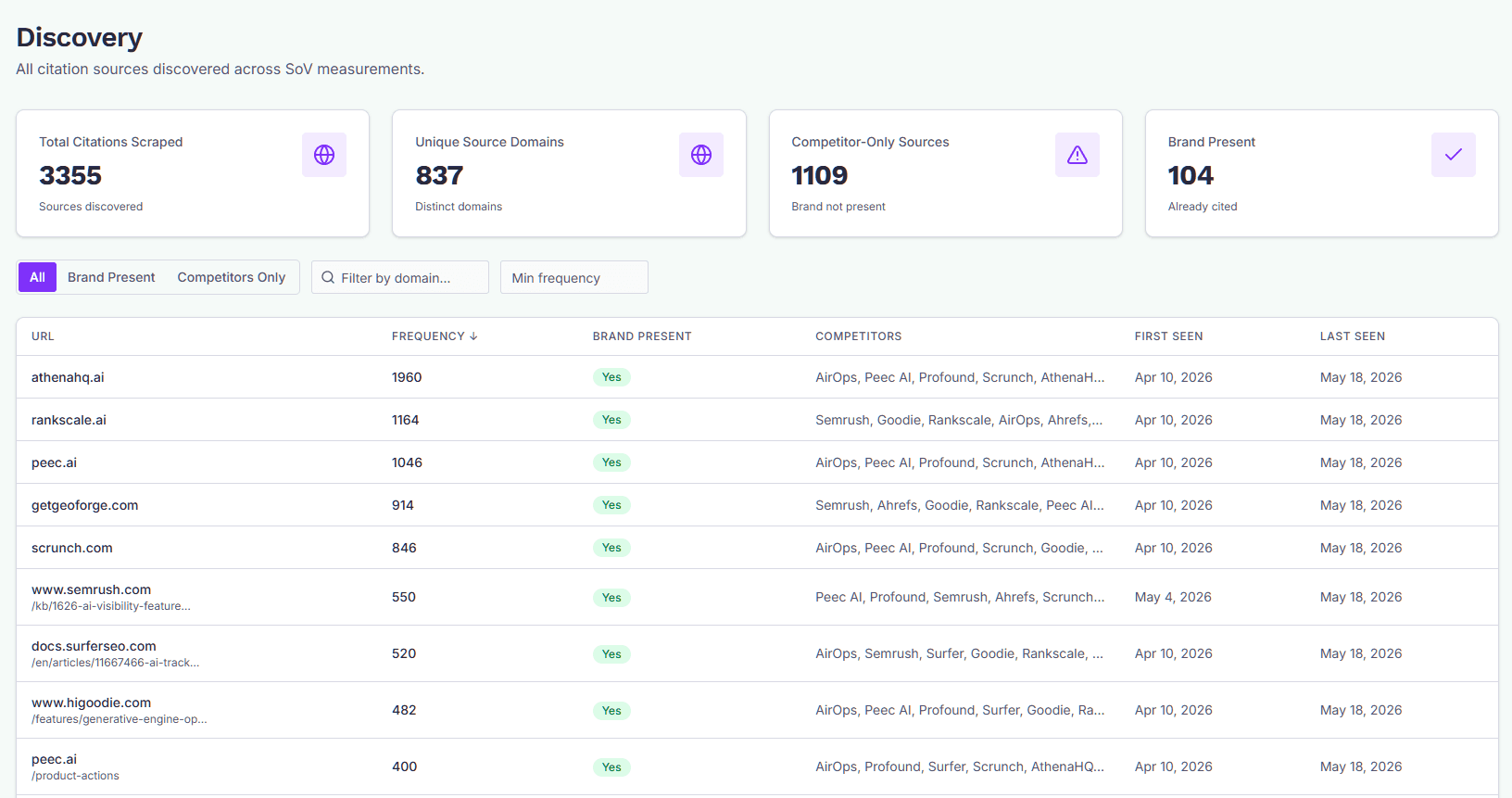
The results appear in CiteForge → Discovery, above the domains table, under Top pitch targets.
Each site shows:
- How it takes outside articles: Contributor programme, Open platform or Paid.
- Its score, how often AI answers cite it, and how many of your competitors it quotes.
- Evidence page: the page the Scout based its answer on, such as a "write for us" page. It is worth a look before you pitch.
- contact found, when GEOforge already has a contact for the site.
Two folded lists sit underneath. Check by hand holds sites where the Scout found no clear answer either way. Won't publish holds sites the Scout found don't take outside articles.
This panel is for reference only. Pitching starts from a pitch topic, not from here.
Adding your own sites
Go to Settings → CiteForge → Pitch targets to add sites you already know, one per line. You can paste a domain or any page on the site. Under Which sites to check, choose:
- Suggested sites plus my list: the Scout checks your own sites first, then the sites it suggests.
- Only my list: the Scout checks just the sites you entered.
Your own sites are always kept as targets, even when the Scout finds that a site wouldn't publish your article. In that case you see a warning instead.
The same section has the Check sites automatically with the Scout switch. Turning it off stops new checks, and the answers already found are kept.
Pitch topics
In ContentForge → Recommendations, open Generate Recommendations and choose 1, 3 or 5 under Pitch topics. GEOforge writes topics for contributed articles: pieces written for another publication rather than your own site. Each topic is matched to the sites most likely to run it. It takes a minute or two.
Pitch topics carry a violet Pitch label, and the card shows the sites in the order they will be pitched. Only sites the Scout has confirmed are suggested, plus any you added yourself. A site that sells what you sell is marked Competitor and ranked lower, because competitors rarely run a rival's byline.
A contributed article is written to be published by someone else, so it stays non-promotional. It names your brand sparingly, has no calls to action and no links to your site, and draws only on evidence your knowledge base holds. It is never published on your own site unless you choose to after every site has passed.
Pitching an article
Draft and approve the article as usual. The article's page then shows a Pitching panel with the sites in order.
- Edit sites lets you reorder, remove or add sites. Re-match ranks your sites for the article again, using the latest Scout answers. Sites already pitched stay where they are.
- Start pitching opens the first site and drafts the email in CiteForge Conversations, in the Pitches folder. Review it and send it from there. Nothing is sent without you.
- If a site doesn't reply within 7 days, the next site gets its turn with a fresh draft. A pitch you mark Declined or No response moves on the same way. A reply pauses pitching, so you can work the conversation.
On the Pipeline, the article sits in the Pitching column and the card says where it is, for example "Pitching 2 of 5". When a site agrees to publish it, mark the conversation Won: the article moves to Published with an Earned tag. If every site passes, the panel offers Publish on our own site instead.
Related pages
- Discovery: where Top pitch targets appear.
- Conversations: sending each pitch and reading replies.
- Pipeline: the Pitching column.